 TubeBriefer
 Transcribe My Video Free


01
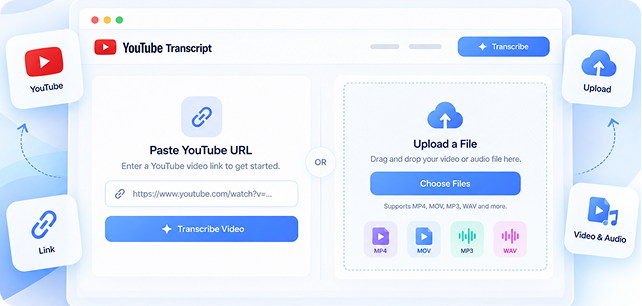
1. Paste a public YouTube URL
Paste a public YouTube link. We’ll check whether the source is available before transcription.
 youtube.com/watch?v=dQw4…Go
YouTube transcription tool
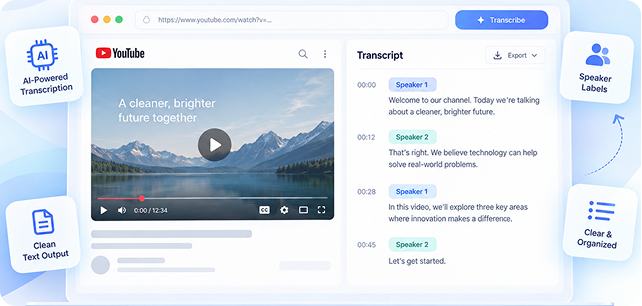
Paste a YouTube link and get a searchable transcript with timestamps, speaker labels when available, and flexible exports.
 Copy
Copy Export
Let’s start with the product update. The new onboarding flow is ready for testing, and early feedback has been positive.
Our biggest challenge is user drop-off during account setup. We should simplify the form and make the next step clearer.
Agreed. Let’s launch the revised version this week and compare completion rates with the current experience.
I’ll prepare the final designs today. Engineering can begin implementation tomorrow, and we’ll review the results next Monday.
For students, creators, researchers, and marketers
Simple process
Paste a public YouTube link. We’ll check whether the source is available before transcription.
youtube.com/watch?v=dQw4…Go
Your searchable transcript is generated in moments. Give it a quick review, then start finding, copying, and exporting the content you need.

Review, search, copy, and export your transcript in the formats available to your plan.
Interactive demo
Result timeline
research workflow
ExportSpeaker 1
Let’s start with the product update. The new onboarding flow is ready for testing, and early feedback has been positive.Speaker 2
Our biggest challenge is user drop-off during account setup. We should simplify the form and make the next step clearer.Speaker 1
Agreed. Let’s launch the revised version this week and compare completion rates with the current experience.Speaker 2
I’ll prepare the final designs today. Engineering can begin implementation tomorrow, and we’ll review the results next Monday.Features
Turn supported YouTube audio into structured text with speaker labels, so you always know who's talking.
Transcribe directly from a YouTube link, or upload your own audio/video file — no extra steps needed.
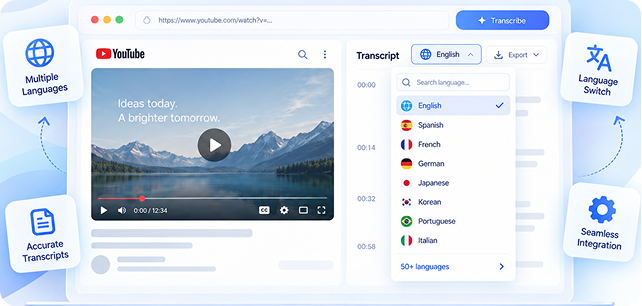
Load and choose from the transcript languages currently available from the connected service.
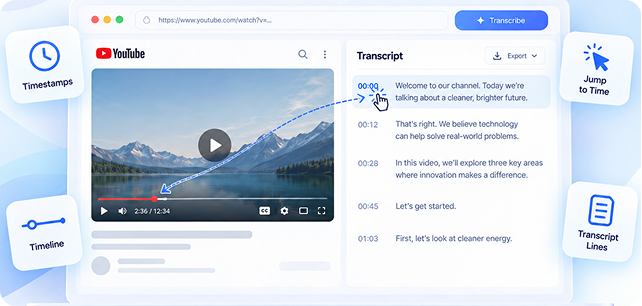
Every line is linked to an exact timestamp, so you can jump straight to the moment you need.
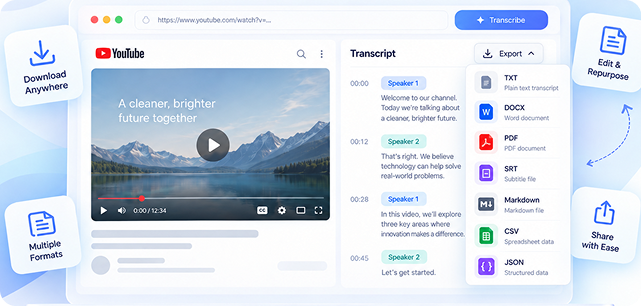
Export TXT, DOCX, PDF, SRT, Markdown, CSV, or JSON when available to your plan.
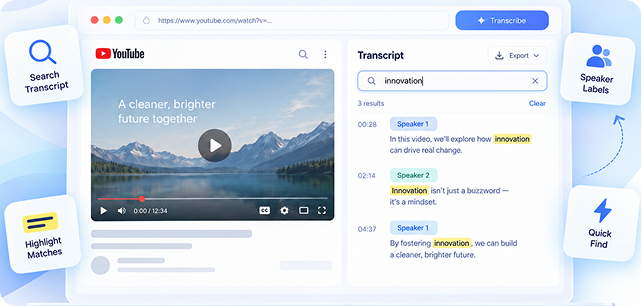
Search completed transcript lines by their text or speaker label.
Use cases
Find exact explanations, save useful passages, and export a readable transcript into your existing note-taking workflow.
Pricing
Subscriptions renew automatically for the selected billing period until cancelled. Cancel before the next renewal date; taxes and final price are shown at checkout.
Search the transcript for key themes, then copy the passages you want to use in a draft.

Use timestamps and text search to find the relevant portion without replaying the entire video.

Store completed jobs in history and export the transcript in a format that fits your notes.

TubeBriefer accepts supported public YouTube URLs. Private, region-restricted, age-restricted, removed, or otherwise unavailable videos may not provide a compatible media track.