Everything you need

Turn YouTube videos into text you can use

Paste a link and get a clean, searchable transcript in minutes — plus AI summaries, chapters, and export options built for real work.

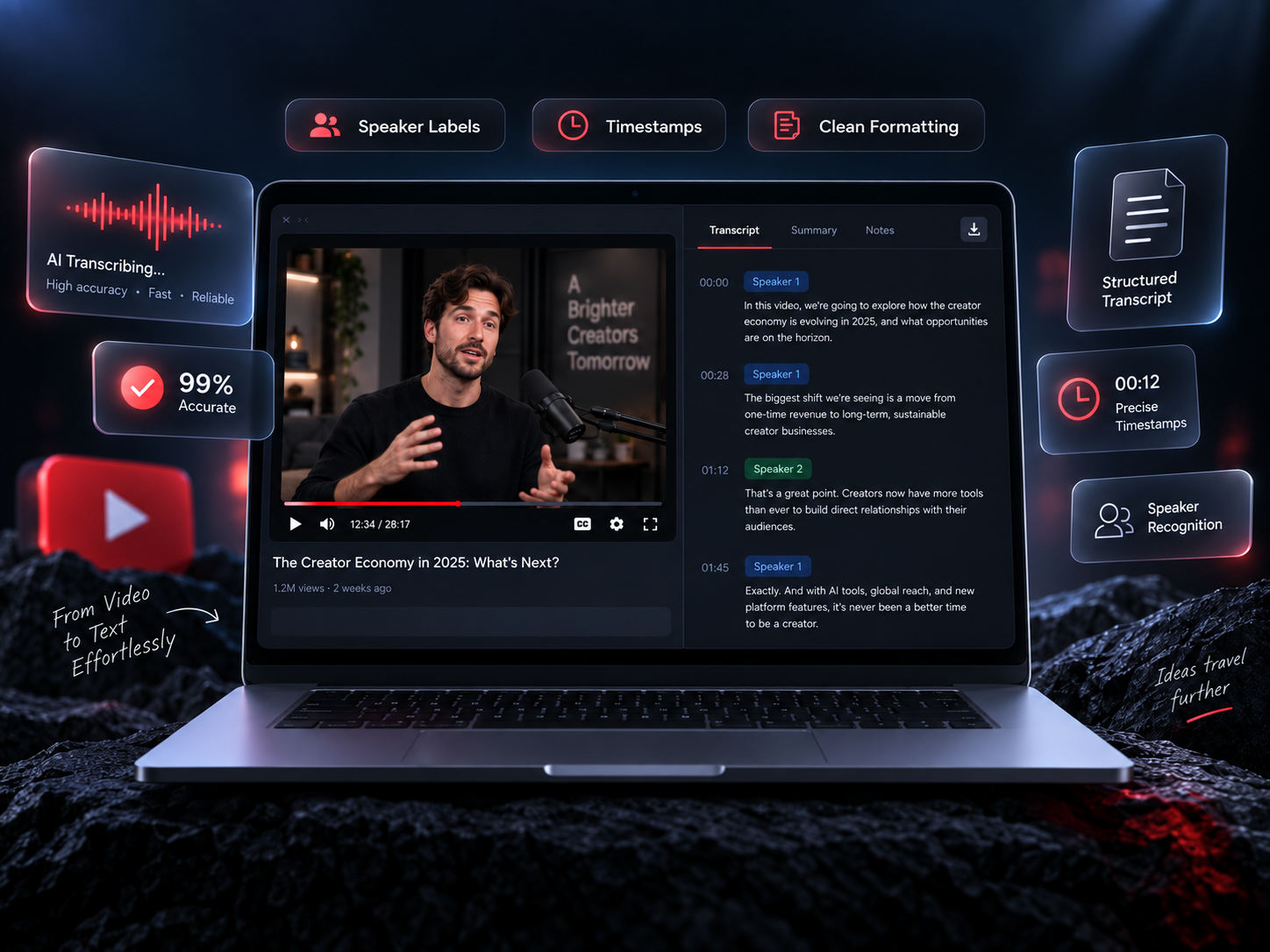
AI Transcription

Get clean, structured text from any supported video — speaker labels, timestamps, and formatting done for you.

  • Speaker labels when available
  • Timestamps on every line
  • Automatic punctuation & formatting
  • Filler-word filtering for an easier read
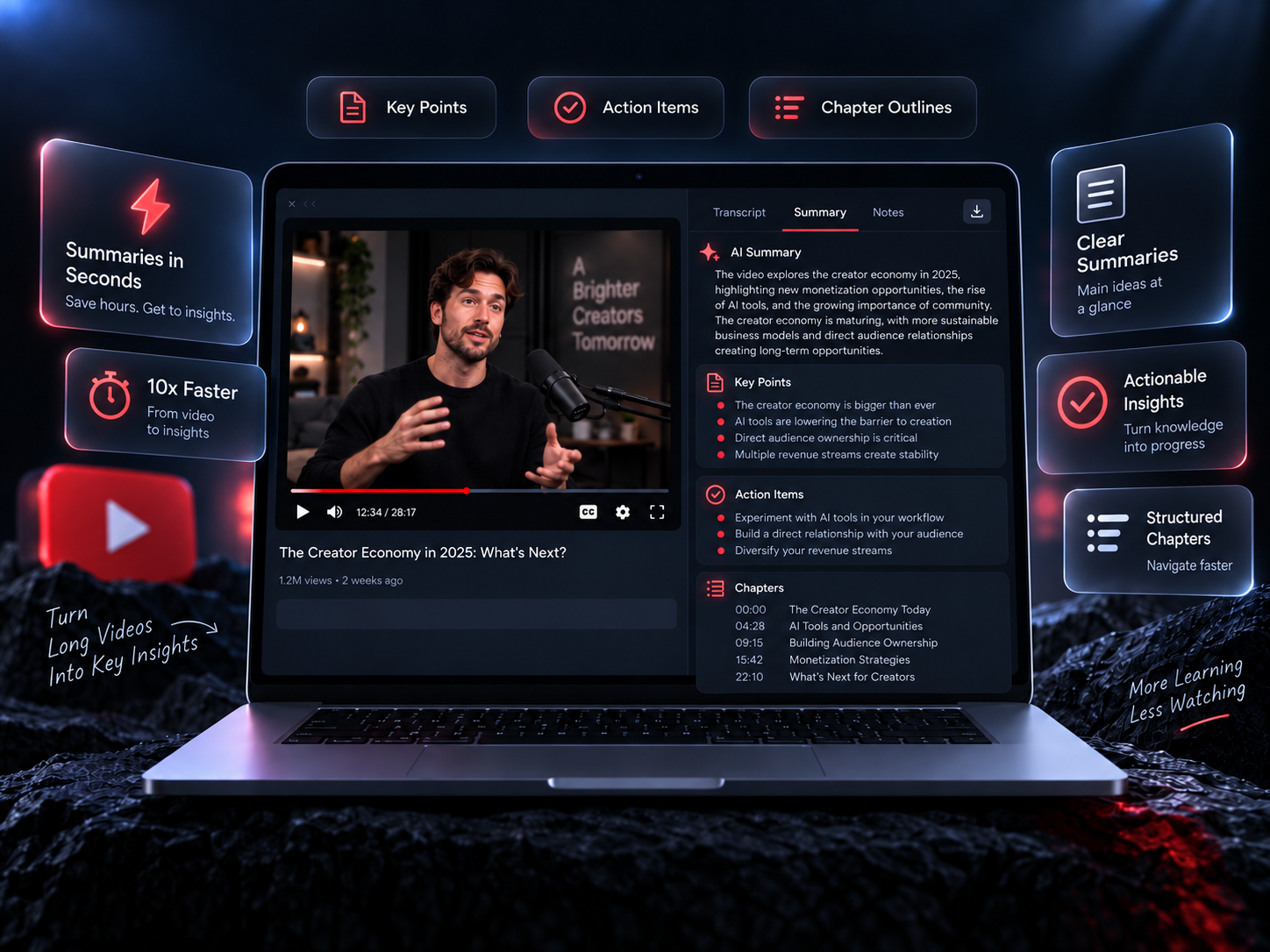
AI Summaries

Skip the rewatch — get key points, action items, and chapter outlines in seconds.

  • Key point extraction
  • Action items list
  • Chapter outlines
  • Custom summary length

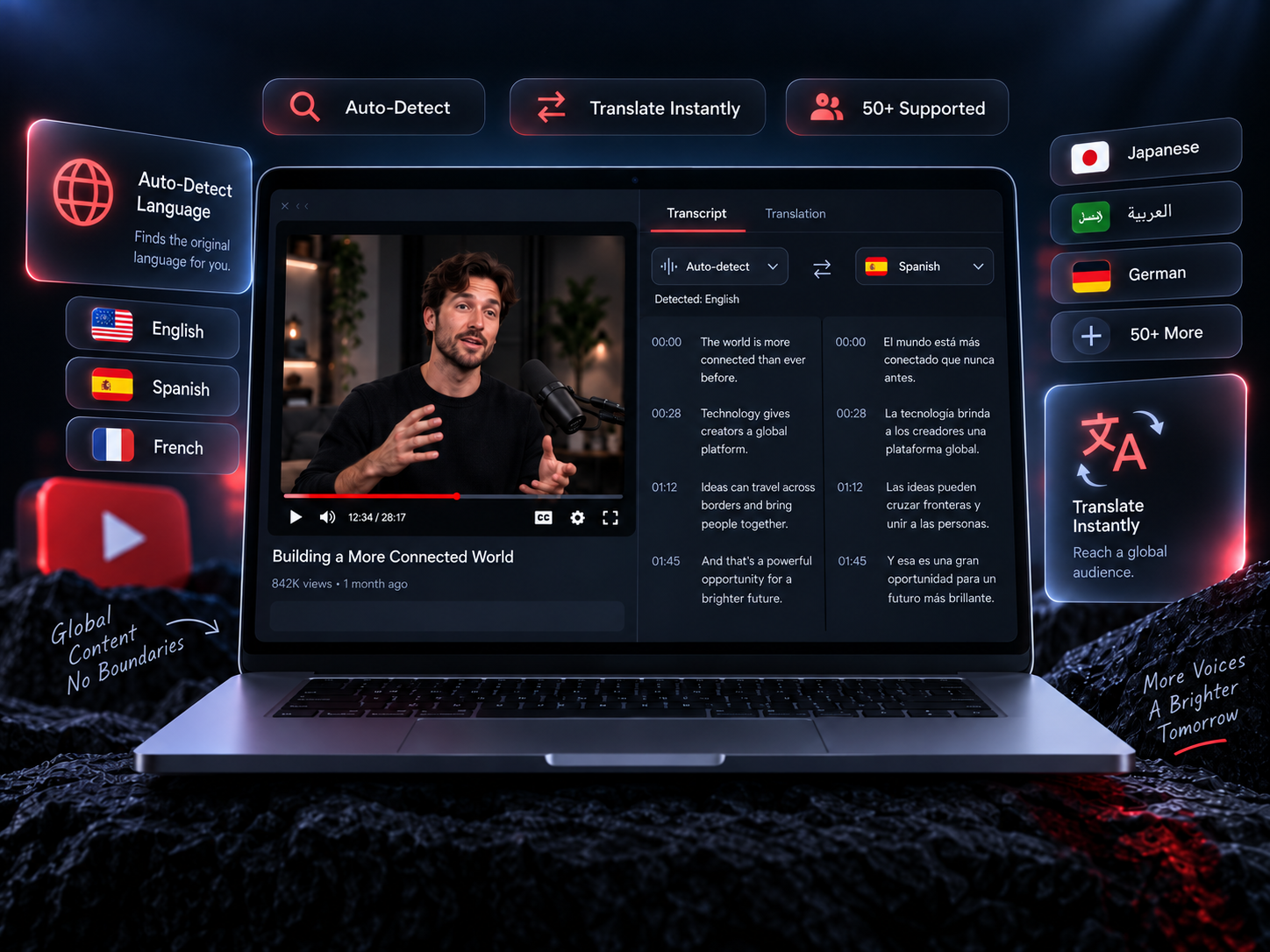
Supported Languages

Work in the language your video speaks — auto-detect it, or translate the transcript into any supported language.

  • Auto language detection
  • Translate transcripts into selected supported languages
  • Multilingual speaker support
  • RTL language support

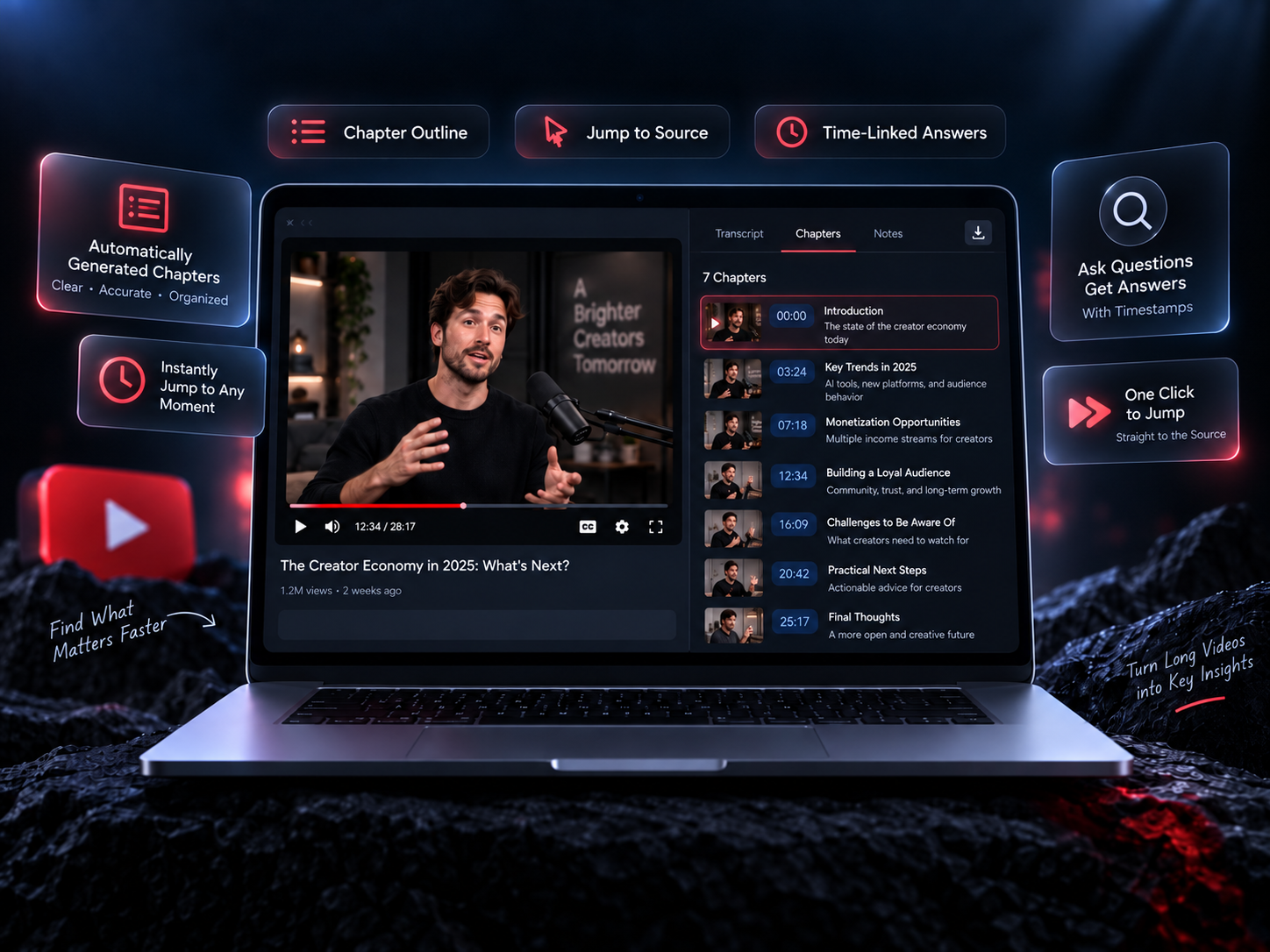
Smart Chapters

Automatically segment long videos into logical topics so you can navigate them like a document, not a timeline.

  • Automatic topic detection
  • Chapter titles & summaries
  • Jump-to-chapter navigation
  • Chapter export

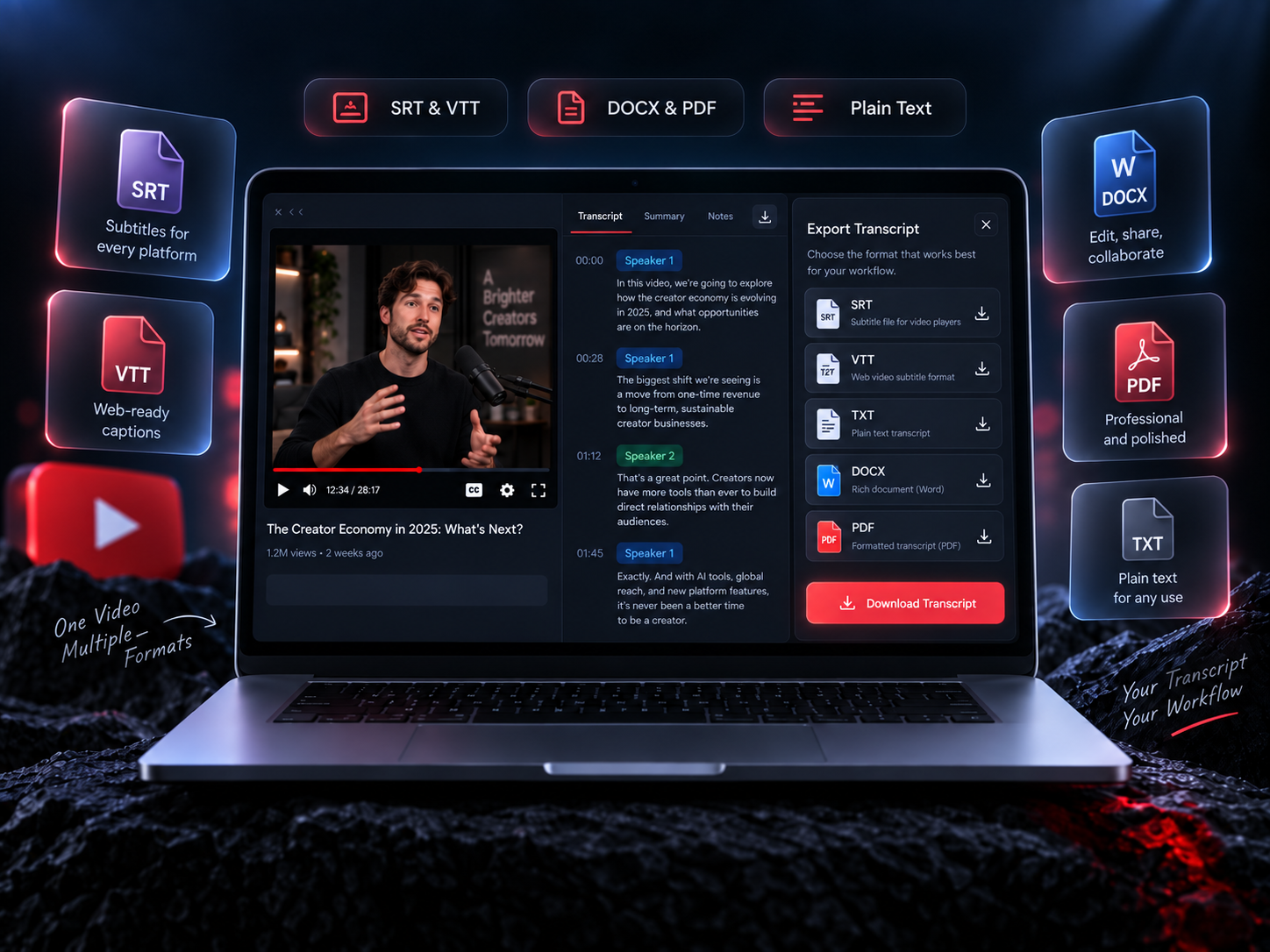
Flexible Exports

Download transcripts in any format your workflow needs — from subtitle files to rich documents and plain text.

  • TXT, DOCX, PDF
  • SRT & VTT subtitles
  • Markdown export
  • Copy to clipboard

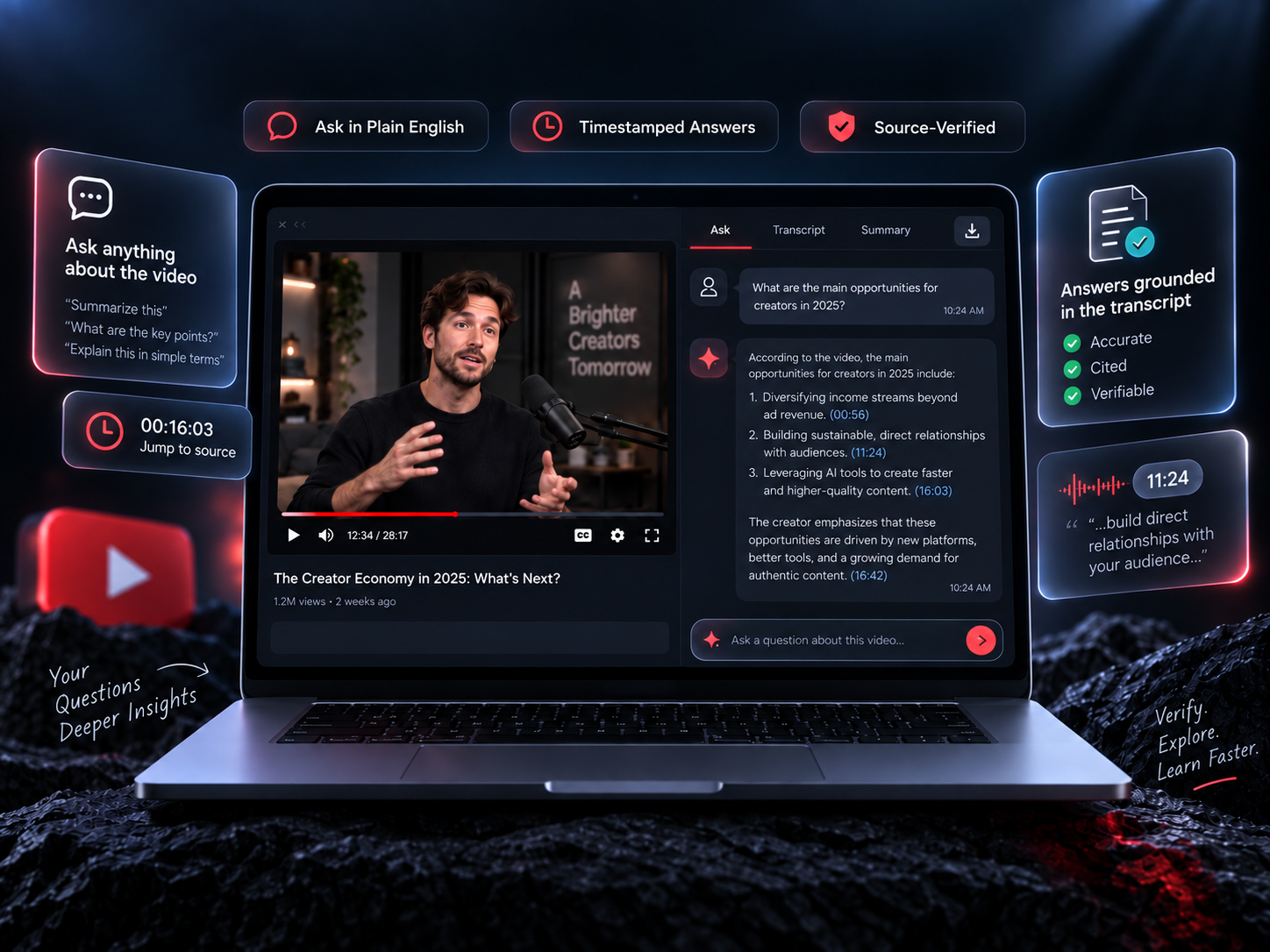
Ask the Video

Ask questions in plain English and get answers pulled straight from the transcript — with timestamps so you can jump to the source.

  • Natural language questions
  • Timestamp-grounded answers
  • Multi-turn conversation
  • Quote extraction

Your workflow. Start with a supported transcript.

Already using TubeBriefer? Go to your workspace →